



19-Inch Industrial Panel PC for HMI | TPC-8190S
19-Inch Industrial Panel PC for Machine HMI Projects: TPC-8190S-1 Selection Guide
A 19 inch Industrial Panel Pc is a strong candidate when a machine builder wants the operator display, touch input and local computer in one fixed terminal. TPC-8190S-1 combines a 19-inch TFT panel with a 5-wire resistive touchscreen, uses a fanless aluminum-magnesium alloy enclosure, and accepts a 9–30 V DC power input through a 2-pin Phoenix connector. Itsproduct details provide the starting configuration for this selection guide.
That integrated architecture can simplify a new HMI design or a legacy-terminal replacement, but it is not automatically better than a separate Industrial Pc and touch monitor. Choose the integrated route when local software, touch interaction and machine-side I/O belong at the same operator station. Choose a separated architecture when the display and computer need different upgrade cycles, locations or service plans.
What the TPC-8190S-1 Brings Into an HMI Design
The TPC-8190S-1 combines display, touch, x86 computing and industrial connectivity in a chassis measuring 470 × 385 × 53 mm. It uses an Intel Bay Trail J1900 processor with 4 GB onboard RAM and a 16 GB SSD, with listed storage capacity options up to 512 GB.
| Selection area | TPC-8190S-1 configuration |
|---|---|
| Display | 19-inch TFT, 1280 × 1024 resolution, 250 cd/m² luminance |
| Touch | 5-wire resistive touchscreen |
| Processor and memory | Intel Bay Trail J1900, 4 GB onboard RAM |
| Storage | 16 GB SSD, with capacity options up to 512 GB |
| Main interfaces | Four USB 2.0 ports, one RS232/RS485 port, three RS232 ports, HDMI support, and two Gigabit LAN ports |
| Expansion | One Mini-PCIe socket with 3G/4G module support |
| Mounting | Panel mounting and VESA 75 × 75 or 100 × 100 mounting |
| Power | 9–30 V DC through a 2-pin Phoenix connector |
| Operating systems | Windows 7, Windows 8, Windows 10 and Linux |
| Size and weight | 470 × 385 × 53 mm; 6 kg |
These details make the model commercially interesting for projects that need a large fixed operator screen, local PC software and several connection paths. They also expose the questions that must be answered before purchase: workload, software version, controller protocol, touch method, installation geometry and power quality.

Where an Integrated Panel PC Can Simplify the Machine
One operator terminal instead of separate display and computer hardware
For a new machine, integrating the display, touch surface and computer can reduce the number of separate modules the engineering team must place. There is still external power and equipment I/O to design, but the operator station has a clearer boundary than a display connected to another computer elsewhere in the cabinet.
This can be valuable for packaging equipment, production machinery, industrial test stations and local process dashboards that need a full PC operating system at the point of interaction. The scene is a strong evaluation opportunity, not proof that one configuration fits every application. The HMI software and real CPU, memory and storage load still need to be benchmarked.
Multiple hardware paths for a retrofit discussion
Legacy-machine upgrades often fail at the interface stage rather than at the screen stage. The TPC-8190S-1 provides four USB 2.0 ports, one RS232/RS485 port, three RS232 ports, HDMI support, and two Gigabit LAN ports. That mix is worth evaluating when the project includes serial peripherals, a PLC or controller gateway, scanners, printers, service tools or plant networking.
Ports alone do not establish compatibility. A successful retrofit still depends on serial mode, pinout, protocol, driver, application version and the role of any existing controller. The commercial advantage is that the buyer can begin a concrete engineering conversation instead of sending a vague request for an “Industrial Computer.”
Fixed installation choices for a console or equipment panel
The model supports panel mounting and VESA 75 × 75 or 100 × 100 mounting. This gives a machine builder more than one way to evaluate the operator position: integrated into an equipment panel, or attached to a suitable VESA structure.
Mechanical fit should be checked early. The overall dimensions and 6 kg net weight are only the starting point. A real installation review should also cover the panel cut-out, bezel clearance, rear access, connector direction, cable bend radius, mounting load, viewing angle and the space needed for service.
A DC input that broadens the power conversation
The 9–30 V DC input can fit more cabinet-power discussions than a terminal limited to a single desktop-style input. It does not remove system-level electrical engineering. The buyer should still define normal voltage, expected variation, transients, grounding, isolation needs and any external protection.
If the project has a different connector, input range or power-control requirement, that mismatch can become a tailored-configuration discussion rather than an immediate rejection.
Integrated Panel PC, Separate PC and Monitor, or Dedicated HMI?
The right architecture depends on what the terminal must run and how the buyer expects to maintain it.
| Architecture | Strong reason to evaluate it | Main trade-off to examine |
|---|---|---|
| Integrated industrial Panel PC | Local Windows or Linux application, touch and computer I/O are needed in one fixed operator terminal | Display and computer share one replacement and upgrade cycle |
| Separate industrial PC plus touch monitor | The host needs independent upgrades, remote placement or separate servicing | More hardware, signals, power connections and cable routing |
| Dedicated HMI | The task is a narrow machine interface with an established HMI software and controller ecosystem | Less flexibility for general PC applications |
The TPC-8190S-1 belongs in the first column. It provides Windows 7, Windows 8, Windows 10, and Linux operating-system support and is a credible candidate when the application can work within the J1900 platform, 4 GB onboard RAM and available storage. A high-compute vision workload, modern graphics workload or memory-intensive application should not be assumed to fit. Send the actual software image and workload for evaluation, or discuss another configuration.
Is Resistive Touch the Right Choice?
A 5-wire resistive touchscreen is commonly considered when the interface uses deliberate pressure-based selections rather than complex multi-touch gestures. That can be attractive for conventional HMI screens with large buttons and controlled workflows.
The decision should still be tested with the real operator method. Confirm whether users will wear a particular glove, use a stylus, work with wet surfaces, require gesture input or expect consumer-style touch behaviour. If capacitive touch, another brightness level or a different front design is required, ask Univitech to evaluate a tailored option.
Five Checks Before Shortlisting This 19-Inch Industrial Panel PC
1. Benchmark the software, not just the processor name
Provide the operating-system version, HMI or application software, background services, database load, expected data rate and required peripherals. Run a representative project on a sample when performance is business-critical.
2. Map every controller and peripheral
List the PLC, controller, scanner, printer, sensor gateway or service device. For each connection, record the physical port, electrical mode, protocol, driver and connector pinout. Ethernet and serial ports create possibilities; they do not guarantee that two systems will communicate.
3. Validate the full mechanical envelope
Check the available opening and rear depth against the 470 × 385 × 53 mm chassis. Add room for connectors, cable routing, ventilation around the installation, service access and the selected panel or VESA mounting hardware.
4. Test the operator experience
Evaluate screen size, 1280 × 1024 resolution, 250 cd/m² luminance and resistive touch in the real viewing position. The right test uses the actual interface layout, ambient lighting, operator distance and input method.
5. Review power and lifecycle requirements
Confirm the 9–30 V DC supply conditions and the required system-level protection. Also verify operating-system security, driver availability, application dependencies, spare strategy and the expected service life of the complete machine.
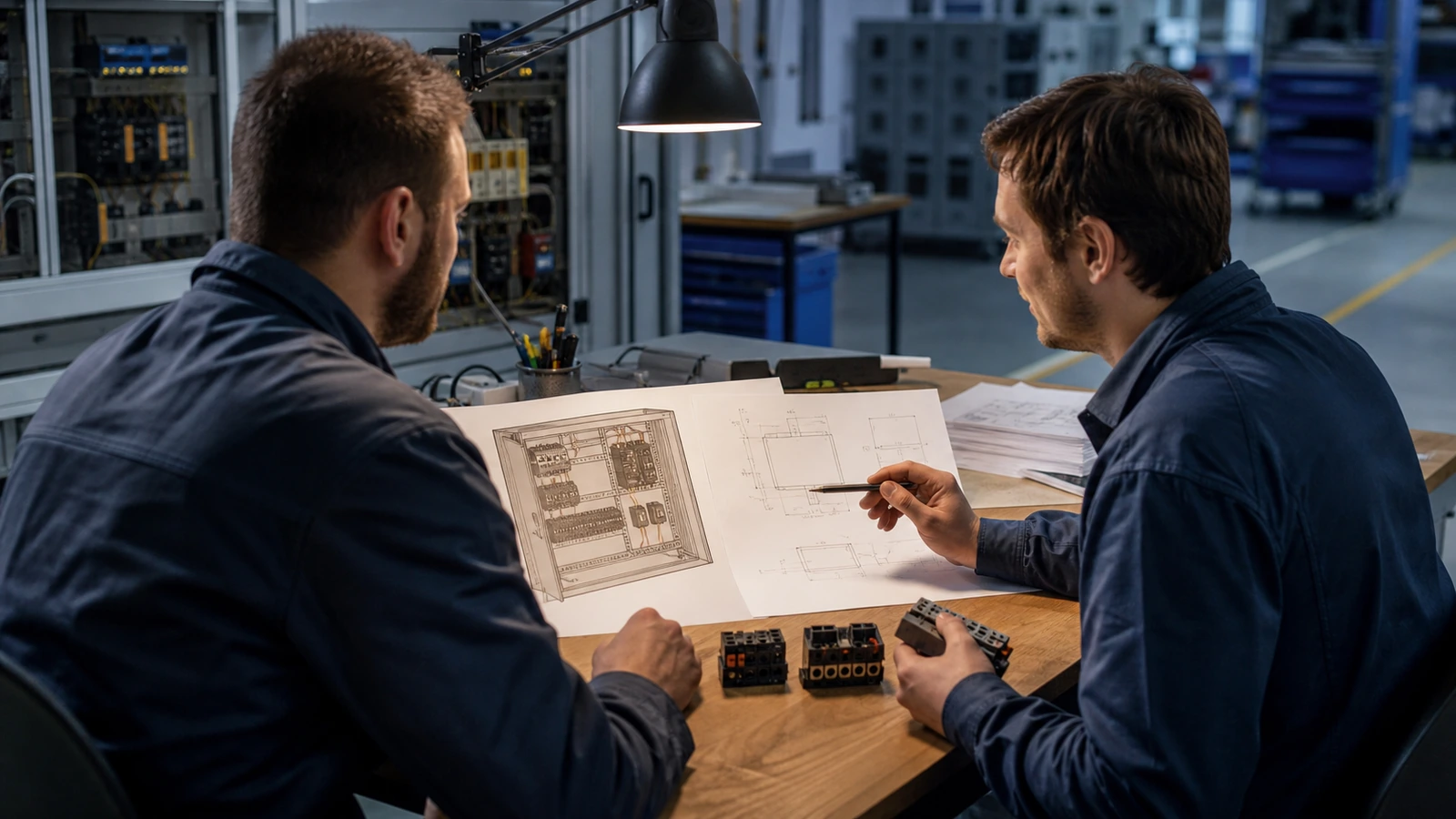
Turn a Near Fit Into a Better RFQ
An imperfect standard fit can still be a useful start. Univitech offers a custom requirement discussion for projects that need another display, touch method, computing configuration, interface set, mounting arrangement, power condition or enclosure direction.
For a productive review, send:
- the machine, process or operator task;
- the HMI, SCADA, dashboard or application software and operating-system version;
- the expected CPU, memory and storage workload;
- the required display size, resolution, brightness and touch behaviour;
- all USB, serial, Ethernet and expansion requirements;
- connected PLCs, controllers and peripherals;
- installation drawings, mounting method and available space;
- power input and power-quality conditions;
- operating environment and required documents;
- quantity, destination, sample needs and target schedule.
The engineering conversation can then determine whether the standard TPC-8190S-1 is a practical candidate or whether a tailored configuration is worth exploring. It is faster to qualify those variables before ordering than to discover a software, interface or mechanical mismatch during machine integration.
Frequently Asked Questions
What is a 19 inch industrial panel PC?
It is a fixed industrial computer that combines a display, touch interface and computing hardware in one enclosure. The TPC-8190S-1 uses a 19-inch TFT display, resistive touch and an Intel Bay Trail J1900 computing platform.
Is a Panel PC better than an industrial touch monitor?
Not in every project. A Panel PC is stronger when the screen must run software locally. An industrial touch monitor is stronger when an external host already provides computing or when the buyer wants to replace and upgrade the display separately.
Can the TPC-8190S-1 connect to a PLC?
It provides serial and Gigabit Ethernet hardware that may support a PLC integration design. Actual connection depends on the PLC interface, electrical mode, protocol, software and driver, so the complete communication stack must be confirmed.
Which operating systems does the TPC-8190S-1 support?
Its operating-system options include Windows 7, Windows 8, Windows 10 and Linux. Confirm the exact version, driver package, security requirements and application compatibility for the project.
Can Univitech discuss a different configuration?
Yes. Buyers can submit a changed display, touch, processor, memory, storage, I/O, mounting, power, operating-system or enclosure requirement for a tailored-option review. Evaluation does not guarantee feasibility, price, timing, approval or performance until the project has been assessed.